From 4 Hours to 20 Minutes: How Eventasaurus Turbocharges Event & Form Creation
Discover how Eventasaurus slashes event setup time from four grueling hours to just 20 minutes using integrated AI design, instant RSVPs, and smart social automation.

From 4 Hours to 20 Minutes: How Eventasaurus Turbocharges Event & Form Creation
If you have ever organized a college hackathon, launched a corporate team workshop, or put together a weekend music gig, you know the hidden pain of event logistics. It is rarely the actual event that burns you out—it is the exhausting hours spent preparing to announce it.
Traditionally, turning an event idea into a live public page takes at least four hours of tedious administrative work across multiple fragmented tools. You design graphics in design software, build customized registration forms in survey builders, write promotional teasers manually, set up ticket check-in spreadsheets, and email your co-hosts to make sure everyone has access.
By the time your registration link is ready to share, half your energy is gone.
Eventasaurus was built to destroy this setup bottleneck. By unifying visual creation, smart RSVP forms, and automated promotion into one sleek platform, Eventasaurus compresses a 4-hour technical nightmare into a smooth 20-minute workflow.
Here is how you can reclaim your time and launch your next event in minutes.
The Anatomy of the 4-Hour Event Setup Grind
To understand why modern event setup feels so slow, let us look at where organizers typically lose precious hours:
- Graphic Design & Re-formatting (90 Minutes): Drafting promotional banners, matching brand colors, and manually exporting separate images for Instagram Stories (9:16), event banners (16:9), and square posts (1:1).
- Form Creation & Ticketing Config (60 Minutes): Building custom registration fields, configuring confirmation emails, and setting up dynamic check-in systems.
- Copywriting & Promotion Setup (40 Minutes): Crafting catchy caption copy, drafting invitation emails, and setting up manual reminder schedules for registered attendees.
- Team Roles & Permissions (30 Minutes): Sharing links, giving gate checkers access to guest lists, and assigning co-host privileges.
Total lost time: 3.5 to 4 hours per event.
"Events should be about human connection, community, and energy—not spending an entire afternoon wrangling design tools, form scripts, and guest list spreadsheets."
The 20-Minute Eventasaurus Playbook
Eventasaurus replaces fragmented tools with an all-in-one ecosystem designed for maximum speed and conversion. Here is how your 20-minute setup breaks down step-by-step.
Step 1: Generate Staggering Visuals with AI Poster & Visual Studio (5 Minutes)
Forget opening heavy desktop design software or searching for generic template links. With the AI Poster & Visual Studio, you simply type your event topic (e.g., "Campus AI & Web3 Hackathon 2025" or "Annual HR Leadership Offsite").
In seconds, the platform generates high-impact, professional visual assets. Best of all, it automatically formats your artwork into ready-to-use aspect ratios:
- 9:16 for Instagram Stories and WhatsApp Status updates
- 16:9 for web banners and presentation displays
- 1:1 for feed posts and community announcements
No manual resizing. No broken fonts. Just high-converting visuals ready in under five minutes.
Step 2: Build Custom RSVPs with Smart RSVP & Attendee Operations (5 Minutes)
Instead of redirecting guests to clunky third-party forms, use Smart RSVP & Attendee Operations to launch clean, modern registration forms built directly into your official event page.
- Need custom questions like dietary preferences, t-shirt sizes, or student roll numbers? Add custom input fields with a single click.
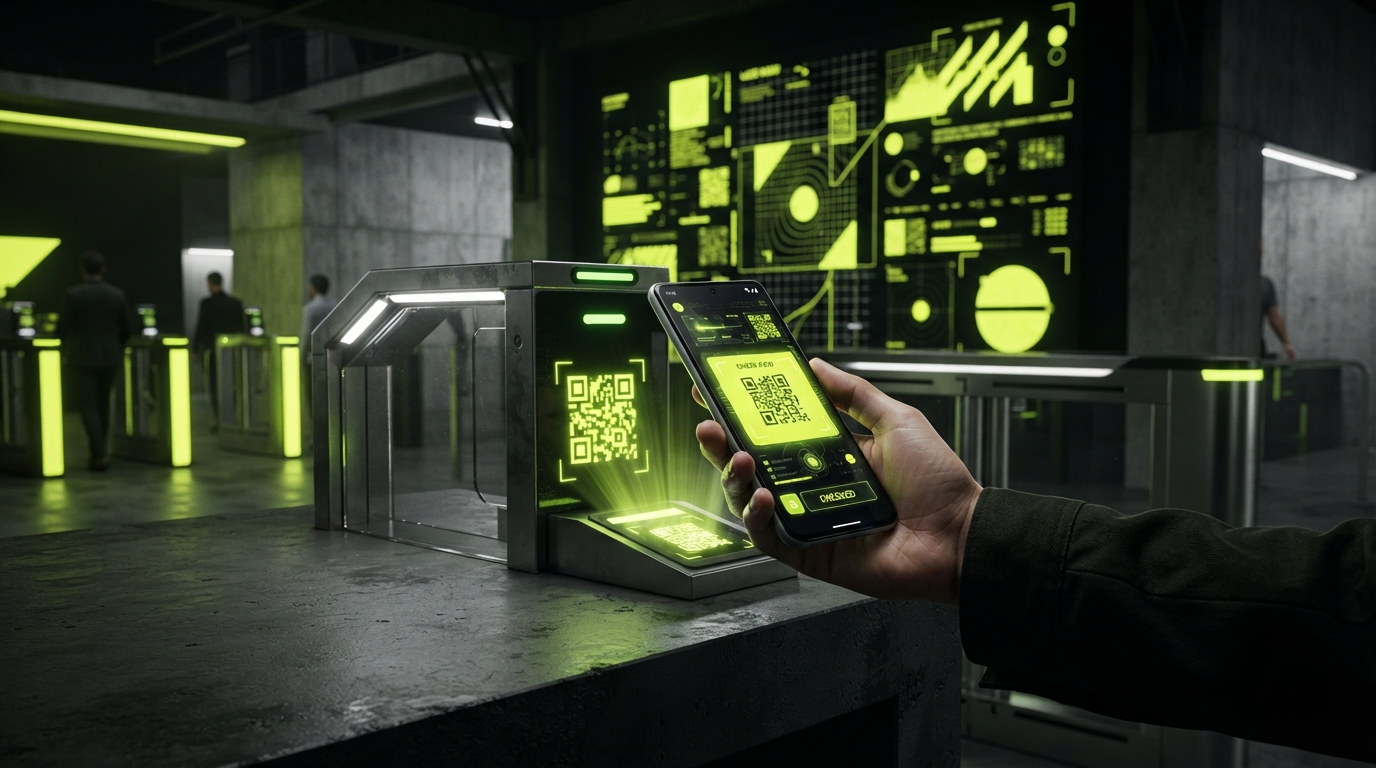
- Once guests register, the system automatically generates Secure Dynamic QR Tickets. These auto-refreshing QR codes stop ticket screenshots and unauthorized ticket resales, guaranteeing your event remains safe and verified.
Step 3: Automate Promos with AI Director & Social Promotion (5 Minutes)
Writing compelling event captions and invitation copy can trigger instant writer's block. The AI Director & Social Promotion module takes care of copy creation effortlessly.
It generates tailor-made invitation posts, social copy, and teaser announcements tailored for your target audience. Furthermore, you can schedule automated WhatsApp, SMS, and Email reminders directly from the workspace so registered attendees actually show up on event day.
Step 4: Collaborate with Teams & Workspace Ecosystem (5 Minutes)
Event management is a team sport. With the Teams & Workspace Ecosystem, you can instantly invite club executive members, HR coordinators, or volunteer door checkers to your event workspace.
Assign granular permissions so team members can monitor real-time ticket sales or scan guest QR codes at the door using their mobile cameras—without giving them control over your main account settings.
Real-World Impact: Who Benefits Most?
1. Student Clubs & Campus Leads
- Old Way: Club presidents spend all evening formatting posters and managing Google Sheets before campus fests.
- Eventasaurus Way: Publish a complete hackathon page with QR ticketing and social posters during a single 20-minute break between lectures.
2. HR Managers & People Ops
- Old Way: Waiting days on internal graphic design teams to send approved banners for an upcoming team offsite or employee town hall.
- Eventasaurus Way: Launch professional internal event pages instantly, send custom WhatsApp reminders, and eliminate registration drop-offs.
3. Event Producers & Community Leaders
- Old Way: Dealing with ticket fraud, manual entry lines, and unorganized email lists.
- Eventasaurus Way: Benefit from dynamic 15-second auto-refresh QR codes that eliminate ticket scalping and speed up door check-ins to less than two seconds per guest.
Actionable Takeaways for Fast Event Launches
- Batch your setup: Move straight from visual design to registration setup inside a single integrated workspace.
- Automate check-in early: Use secure dynamic QR tickets from minute one so door entry is pre-configured.
- Pre-schedule reminders: Set up automated WhatsApp and email reminders right after creating your form to dramatically reduce no-show rates.
- Empower co-hosts: Use granular permissions so volunteers can scan tickets on their own smartphones without needing manual spreadsheet access.
Ready to trade four hours of setup headache for a slick 20-minute launch? Experience modern event management with Eventasaurus today.