How to Auto-Generate Event Forms so You Can Focus on Organizing
Stop losing hours to manual spreadsheets and broken form links. Learn how auto-generated event forms streamline registrations and keep your focus on creating memorable experiences.


How to Auto-Generate Event Forms so You Can Focus on Organizing
When you're tasked with organizing an upcoming tech conference, a college cultural fest, or an internal corporate town hall, where does your time actually go? If you’re like most event leads, a shocking percentage of your prep hours aren't spent booking stellar keynote speakers, coordinating sound stages, or curating gourmet catering menus. Instead, they are swallowed by administrative grunt work: building custom registration forms, embedding checkout links, verifying attendee details, and manually cross-referencing spreadsheets with gate check-in sheets.
This friction is what we call Form Fatigue. Modern event hosts—from student club presidents to HR People Ops leaders—are constantly forced to act as part-time software integrators. You set up a third-party form, attempt to link it to a payment gateway, export responses to a CSV, and then manually email ticket confirmations or calendar invites. If one link breaks or a custom field goes missing, the entire attendee onboarding pipeline breaks down.
It doesn't have to be this way. By leveraging auto-generated forms natively tied to your ticketing engine, you can reclaim your calendar and shift your focus back to what truly matters: crafting unforgettable live experiences.
The Legacy Form Bottleneck: Why Manual Workflows Are Broken
For years, standard practice involved using standalone form builders. While tools like generic survey apps work well for simple polls, they fall remarkably short when integrated into modern event management ecosystems:
- Zero Native Gate Synchronization: Traditional forms don't generate dynamic, secure QR tickets automatically. You end up having to export static lists and manually search names at the door, creating agonizingly slow entry queues.
- Lack of Automated Reminders: Once someone fills out a standalone form, keeping them engaged requires setting up separate email marketing tools or sending manual WhatsApp messages. Unsurprisingly, drop-off rates spike and no-shows increase.
- Missing Dynamic Logic: Need to collect t-shirt sizes for college hackathon participants, dietary restrictions for corporate dinners, or department IDs for an internal offsite? Adding custom logic in legacy form builders often requires clunky add-ons or tedious field-by-field configuration.
- Vulnerability to Ticket Fraud: Static form confirmations sent via email or PDF are easily forwarded, duplicated, or resold, leaving your venue overcrowded or exposed to unregistered guests.
"The best event organizers spend 80% of their time on attendee experience and audience engagement, and 0% of their time stitching together disjointed form tools and spreadsheets."
The Power of Auto-Generated Forms: How It Works
Auto-generation turns the standard setup process on its head. Instead of asking you to build every form field from scratch, modern platforms analyze your event type, audience tier, and ticket requirements to automatically generate bespoke, high-converting checkout and RSVP forms instantly.
Here is how auto-generated registration flows revolutionize event prep across different team environments:
1. For College Students & Campus Club Presidents
Planning a hackathon, battle of the bands, or gaming tournament? You don't have hours to configure form validation rule by rule.
- Instant Field Setup: When hosting a campus fest, automated form tools auto-populate essential fields—such as Student Roll Number, College Name, and Team Member details—without manual setup.
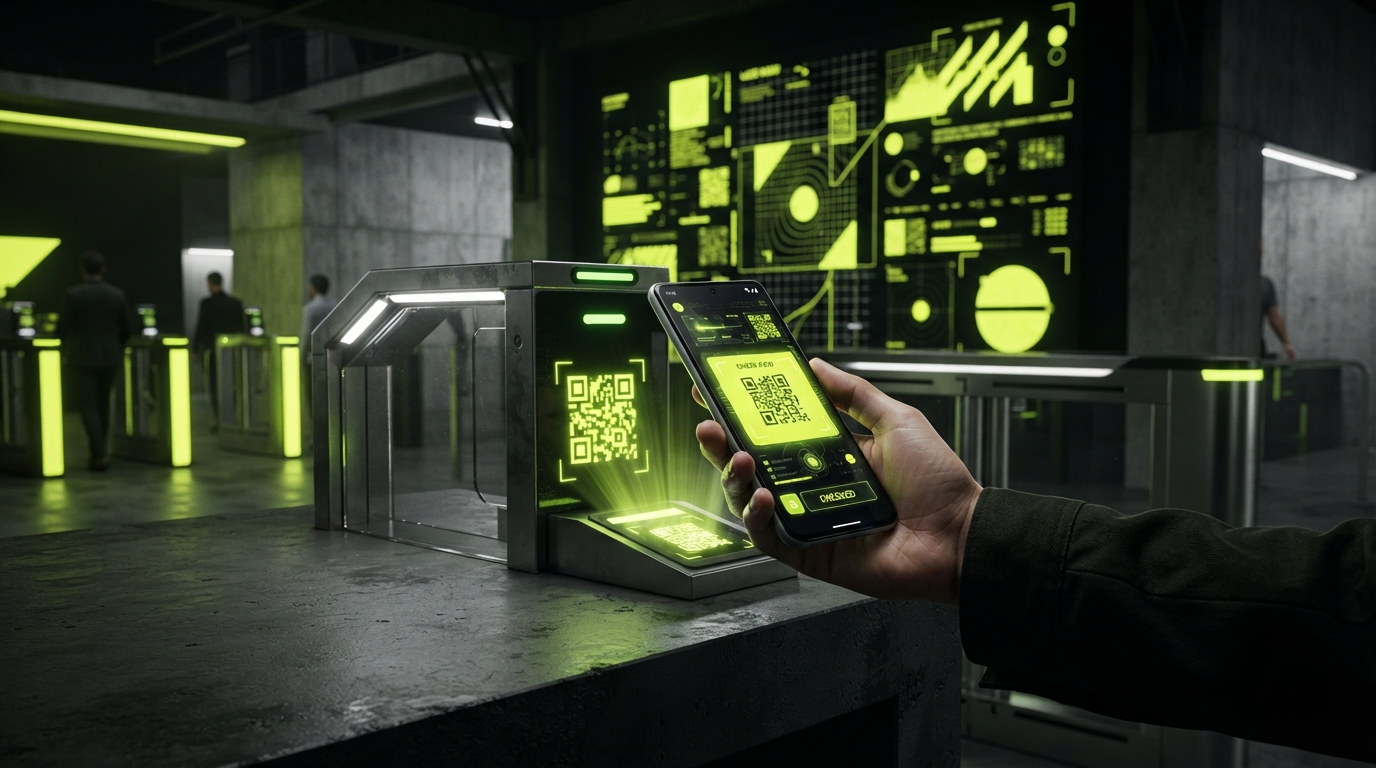
- Instant Dynamic QR Passes: The moment a student submits their form, the system generates a dynamic QR ticket that updates securely. This stops static screenshot sharing while guaranteeing rapid gate check-in using a phone camera scanner.
2. For HR Managers & People Ops Leaders
Hosting an offsite, quarterly town hall, or employee workshop? You need clean corporate data without harassing busy colleagues.
- Department & Dietary Auto-Fields: Select your event type ("Corporate Workshop" or "Team Dinner") and watch as form fields for Dietary Preferences, Employee ID, and Department pre-configure automatically.
- Automated Reminders: Built-in notification engines trigger automated WhatsApp and Email reminders to respondents before the event, sharply boosting attendance and reducing no-shows.
3. For Event Managers & Festival Producers
Running paid tech conferences, concerts, or community meetups? Speed and ticket security are top priorities.
- Tiered Form Workflows: Combine ticket tiers (VIP, Early Bird, General Admission) directly with form responses. Different ticket tiers trigger relevant dynamic questions automatically.
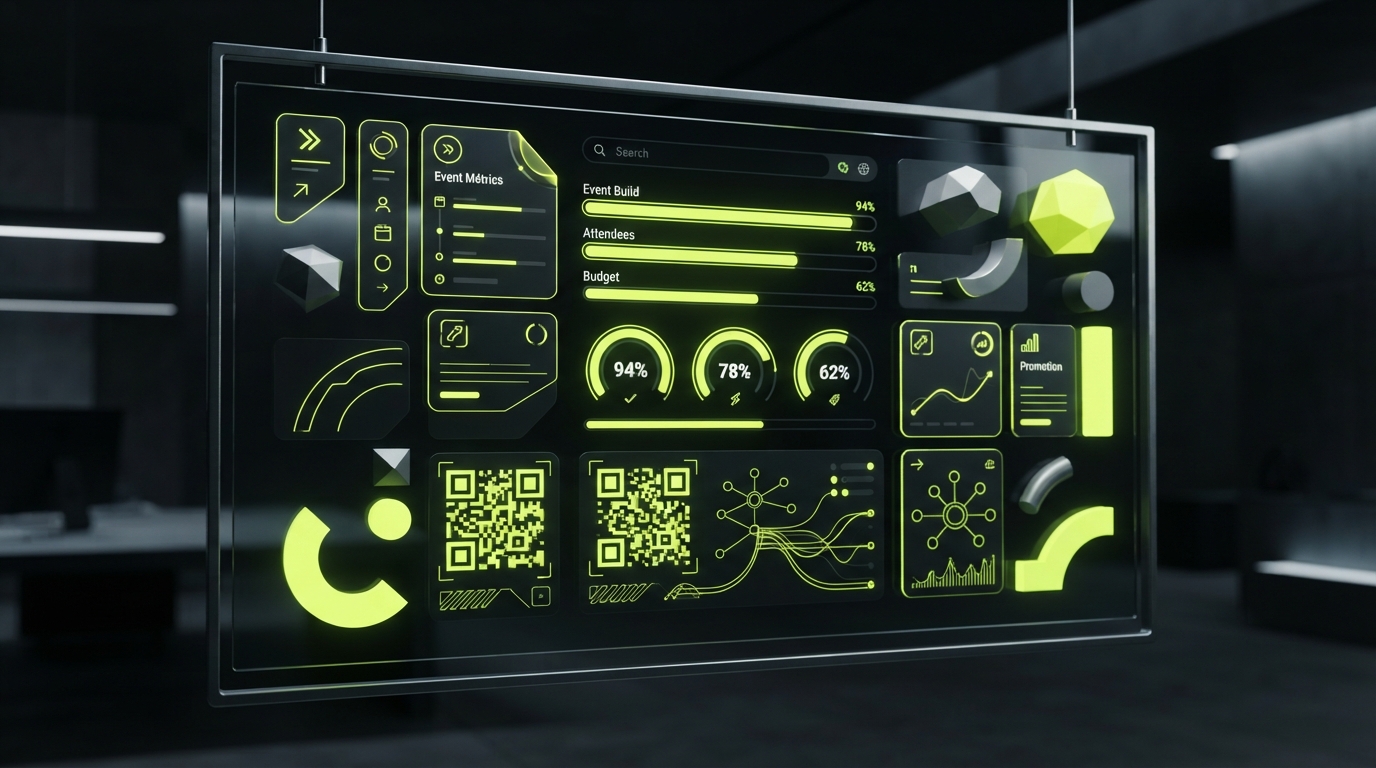
- Real-Time Analytics: Monitor form submission completion rates, checkout drop-offs, and live attendee check-ins on a single clean real-time dashboard.
How Eventasaurus Makes Auto-Generated Forms Effortless
Eventasaurus was engineered specifically to eliminate event admin friction. Our platform integrates Smart RSVP & Attendee Operations directly into your ticketing workflow:
- Smart RSVPs & Instant Custom Forms: Launch tailored, stunning event registration forms in seconds. Fields adapt based on your event category with zero design skills required.
- AI Poster & Visual Studio: Pair your auto-generated form with eye-catching AI promotional graphics formatted instantly for Instagram Stories (9:16), banners (16:9), and square posts (1:1).
- AI Director & Social Promotion: Automatically generate compelling invitation messages, teaser content, and social copy that link directly to your dynamic event page.
- Secure Dynamic QR Ticketing: Auto-refreshing, fraud-proof ticketing generated automatically upon form completion, keeping gate check-in fast, secure, and queue-free.
- Teams & Workspace Ecosystem: Delegate gate checker roles to team members or volunteers with custom permissions, keeping your admin controls safe.
Actionable Checklist: Streamlining Your Event Setup Today
To maximize your focus on organizing and minimize time spent on administrative setup, follow this simple checklist for your next event:
- Step 1: Keep Fields Lean — Identify the absolute minimum data you need from attendees (e.g., Name, Email, Department/College). Keep form fields short to maximize completion rates.
- Step 2: Eliminate Third-Party Form Builders — Switch to an all-in-one platform like Eventasaurus that instantly links form submissions to dynamic QR tickets and mobile gate scanning.
- Step 3: Enable Automated Reminders — Ensure your form trigger activates automated WhatsApp and Email reminders 24 hours and 2 hours prior to start time to drive maximum attendance.
- Step 4: Delegate Gate & Team Roles — Invite co-hosts or club volunteers with specific team permissions, enabling them to scan QR codes at the door without granting administrative access to your account.
Stop letting manual forms hijack your event planning process. Automate your forms, streamline your RSVPs, and spend your time building memorable experiences.
Ready to transform your next event? Host your event on Eventasaurus today!